How to test DataConverter.io APIs with Postman?
Steps
-
Download Postman collection
(if it hasn’t downloaded automatically).
-
Open Postman and import the downloaded collection:
File → Import → select the
.json file.
-
Sign up
for an account, then
create an API token.
-
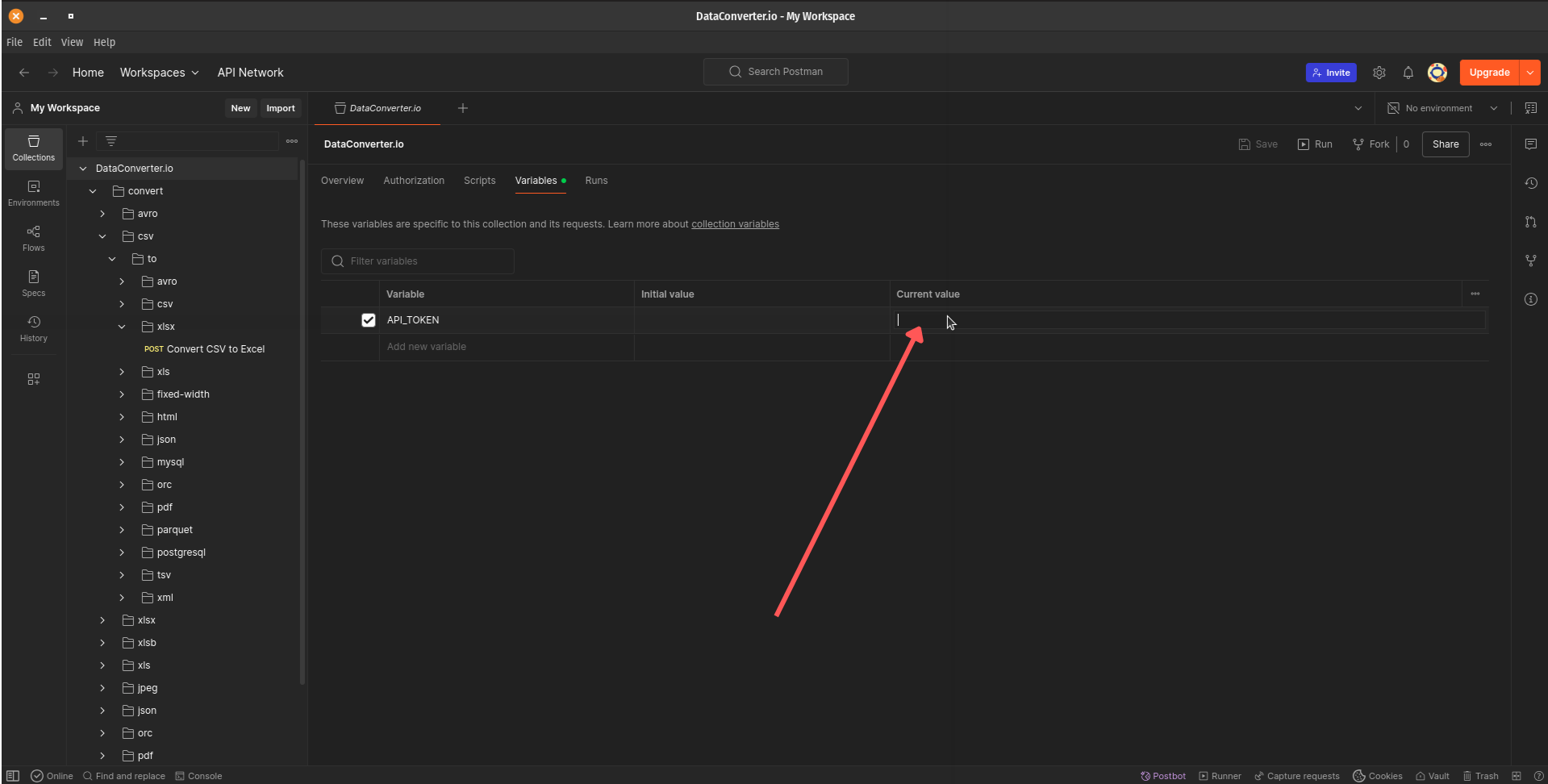
Once you generate your API token, open Postman and go to the
Variables tab of the imported collection.
Set the
API_TOKEN variable to your generated token value.
-
In the Postman sidebar, select the desired endpoint, for example,
Convert CSV to Excel or any other format you want to test.
-
Open the Body tab and upload your source file under the
file field.
-
Optionally, adjust the
uploadSettings and downloadSettings fields
to customize conversion behavior.
-
Click Send to run the request.
Back to API Docs